


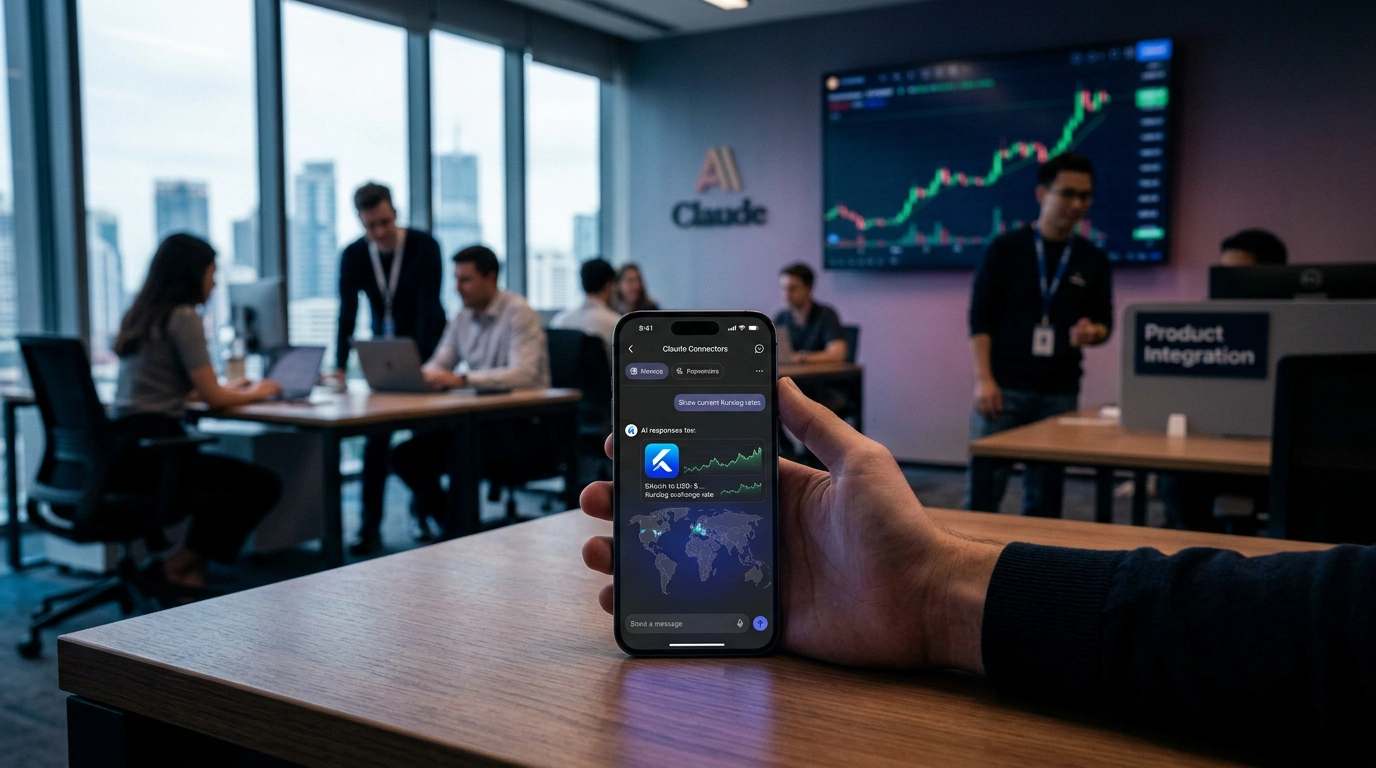
We launched the Kurslog MCP Connector for Claude. You can now ask Claude about crypto-to-cash exchange rates, compare exchangers, or check the trust of a specific office - and get live data from our database directly in the AI assistant's reply.
This is our first integration with a major AI provider after MetaMask Snap and a Chrome extension. Technically the connector runs on MCP - the open protocol from Anthropic that Claude uses to securely connect to external data sources.
What MCP is and why Kurslog runs it
MCP (Model Context Protocol) is an open standard Anthropic released in the autumn of 2024. It defines how AI assistants like Claude can securely connect to external services, read data, call tools, and work with context without losing privacy.
For Kurslog, this is the logical next step. Users no longer have to open a separate site to compare the rate of USDT TRC20 against UAH. They simply type a question into Claude and get a reply with real numbers from our partner exchangers. The AI sees the same rates a person sees on kurslog.com - with the same refresh, the same reserves, the same trust statuses.
The connector is strictly read-only. It does not execute exchanges, does not move funds, does not request transaction signatures. That is the point - all the risk stays at the exchanger's site, where the user knowingly clicks "Confirm".
Six tools for AI
The connector exposes six separate functions to Claude. Each does one specific job and returns just enough data to answer, without raw internal fields.
- find_best_rate - finds the top three exchangers for a pair. A city can be passed in for cash deals. Returns the rate in both directions, reserves, limits, and a link to the full table.
- compare_exchangers - returns up to 20 exchangers for a direction with trust status and rating. Useful when the user wants more depth than just the three best rates.
- get_exchanger_profile - full profile of one office: trust status, year founded, domain, total review count across independent monitoring sites.
- find_cities_for_direction - list of cities where cash exchange is available for a given pair. Sorted by exchanger count and best rate.
- list_currencies - the directory of every currency the platform supports: crypto, bank cards, cash, e-money.
- health_check - a service check that confirms the server is alive. Useful for monitoring.
All six carry the readOnlyHint annotation - the official MCP marker that tells the AI this tool does not change data, so it can be called as many times as needed.
Coverage and numbers
Kurslog aggregates rates from independent exchange offices - not from exchanges, not from banks, not from other aggregators. That means real cash and P2P rates that users actually encounter when they need to move money.
The deepest coverage is Ukraine and Europe (Poland, Germany, Switzerland, Spain, Italy, France, Czech Republic, Cyprus, the United Kingdom). Strong presence in Turkey, Georgia, Kazakhstan, the USA, Canada, Brazil, the UAE, Israel, China, Japan, Thailand, Vietnam, and other markets.
How to add the connector in 30 seconds
No installs. No sign-ups. Just four steps inside the Claude interface.
- Open connector settings. In claude.ai go to Settings - Connectors. At the bottom you will see an "Add custom connector" button.
- Click "Add custom connector". A dialog opens asking for the server URL.
- Paste the URL:
https://mcp.kurslog.com/v1/mcp - Confirm. Claude will run the MCP handshake. Because the connector is anonymous, no OAuth screen will appear - it simply connects.
After that, open a new chat and ask a normal question. Claude figures out on its own when to call our tools. Full documentation with examples lives at https://mcp.kurslog.com/.
What to ask Claude
A few real cases from our testing.
- Best crypto-to-cash rate. "I have 5000 USDT TRC20, what is the best cash UAH rate in Kyiv?" Claude will call find_best_rate and return the top three exchangers with rate, reserves, and a link to the comparison page.
- Coverage for a specific pair. "Which Ukrainian cities can I cash out USDT for euros today?" The connector returns a list of cities with the count of active offices.
- Checking an exchanger. "How trustworthy is digichanger? How long has it been on the market?" Claude gets the trust status, domain age, and total review count from independent monitoring sites.
- Deeper comparison. "Compare the top 10 exchangers for Bitcoin to Monobank UAH." Up to 20 offers are returned with rating and reserves.
Claude decides when to use the tools, so phrase your question specifically - state the currency pair, city, amount, or a specific exchanger. Generic questions like "what is bitcoin" Claude answers from its own knowledge without calling our server.
Safety, limits, and privacy
The connector hands Claude only data that is already publicly visible on kurslog.com. No internal fields, no trust formulas, no margin percentages, no partner data. This is intentional - we ran a double security audit before publishing the connector.
On the technical side, HTTPS via Let's Encrypt, Origin validation at the MCP protocol level, DNS rebinding protection, a 60-requests-per-minute IP rate limit. The server logs only the timestamp, source IP, tool name, and sanitized arguments - for 30 days, in a separate file. No user prompts, no Claude replies.
What is next
MCP support in ChatGPT is rolling out through 2026. The same URL https://mcp.kurslog.com/v1/mcp will work there without any changes - MCP was designed as a cross-vendor standard. We will publish a complete setup guide once ChatGPT opens custom connectors to a wider audience.
On the data side, we plan to expand coverage of the Middle East and Southeast Asia, add indicators for sudden reserve shifts, and introduce an optional field for ongoing reviews. Every new field will pass the same check the current ones did - no business data that can be reverse-engineered, no internal formulas.
If you test the connector and notice mismatches between the rates Claude shows and the kurslog.com page, write to support@kurslog.com - we reply fast. Feedback during the first weeks matters, it helps us tune the tools and descriptions so Claude calls them at the right moments.



Comments
Your email address will not be published. Required fields are marked *