


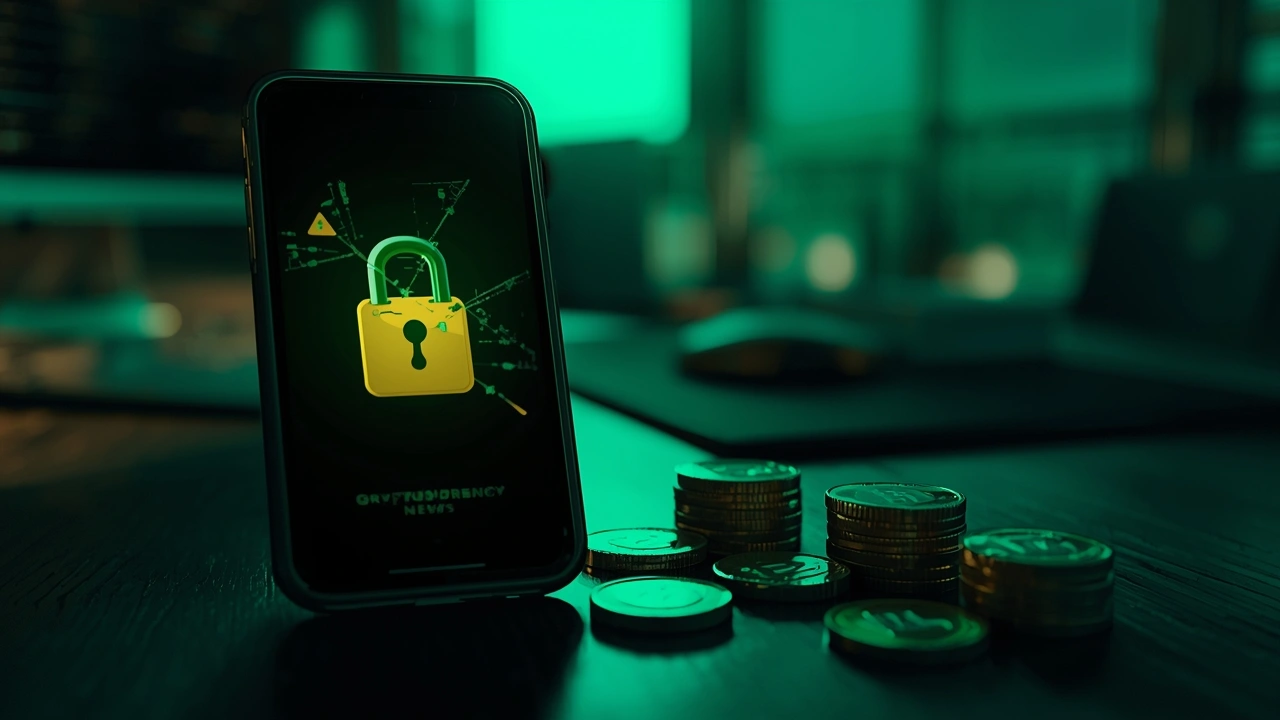
Security firm Confiant has found malicious ads that can steal crypto wallet recovery phrases from iPhones. A vulnerable phone needs only one tap on an ad to get infected. Here is how the scheme works and where crypto holders most often leave a gap.
What exactly did Confiant find?
Confiant published a report on Friday about a campaign it calls MoldyRoost. By its count, at least 480 ad domains were tied to the campaign between May 12 and November 17. The ads ran in more than 47 countries.
The researchers explained that merely loading the ad's landing page is enough to cause an infection. Nothing has to be installed by hand. The materials we worked with do not state the amount of losses.
For the reader this changes the idea of risk. The old rule "I do not visit shady sites" used to be enough. Now it is not, because the ad shows up on ordinary resources, and it takes only one tap in the wrong place.
How does an ad become a theft tool?
The scheme is called malvertising, meaning malicious code spread through ad networks. The attacker buys ad space, and the reader sees an ordinary banner on an ordinary site. There may be no mention of crypto at all.
Ad networks run automatically. An ad reaches a site within seconds through an auction, and checking every banner by hand is almost impossible. That keeps malicious advertising a convenient way to deliver code, and a site owner may not even know that the visitors are under attack.
What is new in MoldyRoost is the choice of sites. In March, Google Threat Intelligence reported that hackers were using a tool called Coruna against visitors of fake crypto sites. Now the same tool is pushed through ads on sites that have nothing to do with crypto. Anyone who keeps a wallet on a vulnerable phone is in the line of fire, not only the person who was looking for an exchange.
The list shows what Coruna does on an infected device.
- Searching notes: the tool scans the Apple Notes app and looks for wallet recovery phrases there.
- It reads QR codes in images the user has saved on the phone.
- The attacker types the words found into their own device and opens someone else's wallet.
- The campaign's second tool, DarkSword, also steals wallet data. Google warned about it back in March.
Both tools look for what the user left in plain sight. They do not need to break a blockchain or an exchange, only to read a file on the phone. So protection against them rests on habits, not on the wallet.
Why is a recovery phrase worth a whole wallet?
A recovery phrase (seed phrase) is a set of words that replaces both the password and the key. Whoever knows the words can open the wallet on any device and move all the funds. Nobody can reverse such a transfer, because a blockchain has no "undo" button.
For a holder of Bitcoin or ether the outcome is the same. Words in a notes app lie as openly as a house key under the doormat. Many people still keep them on the phone because it is faster than copying them to paper, and some take a screenshot or a photo of a QR code. Convenience comes at a price.
A phrase of 12 or 24 words in a notes app looks like plain text, and a program has an easy time finding it. A QR code in a photo is read even faster than a person could type those words in by hand.
What do security experts advise?
In its Nov. 6 warning about DarkSword, security firm CertiK urged iPhone owners to update their software. It also advises keeping recovery phrases out of notes, photos and screenshots, and steering clear of unfamiliar links.
The update matters for an obvious reason. The tool works against vulnerable devices, meaning those where the relevant hole has not been closed yet. A new system version closes it, and then a tap on the ad does nothing.
For larger sums, CertiK suggests a hardware wallet. The keys live on a separate device, so an infected phone cannot read them from notes or the gallery. Users of mobile wallets such as MetaMask should check where the backup of the phrase is stored and remove it from the phone.
A hardware wallet signs transactions inside the device and never hands the key to the phone or the computer. Even if an attacker can see the screen, the phrase will not be there to take.
A few things from us. The backup is better written on paper and kept at home, not in the cloud or a messenger. The built-in Lockdown Mode is also useful, since it narrows the ways to attack a phone, though it switches off some features. And for small everyday amounts, a separate wallet is handy.
Who is affected and what to check today?
The risk applies to vulnerable iPhones, meaning those that have not been updated for a long time. Start with a system update. Then open your notes and gallery and look for wallet words or a QR code that holds them.
Found a phrase on the phone? Create a new wallet with a new phrase and move the funds there. That is faster than waiting for the consequences.
Notes usually sync with other Apple devices, so delete the phrase there too. If the funds are already gone, speed helps little, because a blockchain transfer cannot be reversed and the money usually moves on within minutes. The main strategy is to avoid getting hit in the first place.



Comments
Your email address will not be published. Required fields are marked *